The model decides the length.
The original RC71L uses M.2 2230. Ally X and current Xbox Ally models use M.2 2280. We do not present a 2280 adapter mod as the default original-Ally path.
SSD fit 01 · ROG Ally
Choose your Ally model, use the free space Windows shows, and add the games you plan to install. Get the smallest compatible move and see whether replacing the internal drive is worth the migration work.
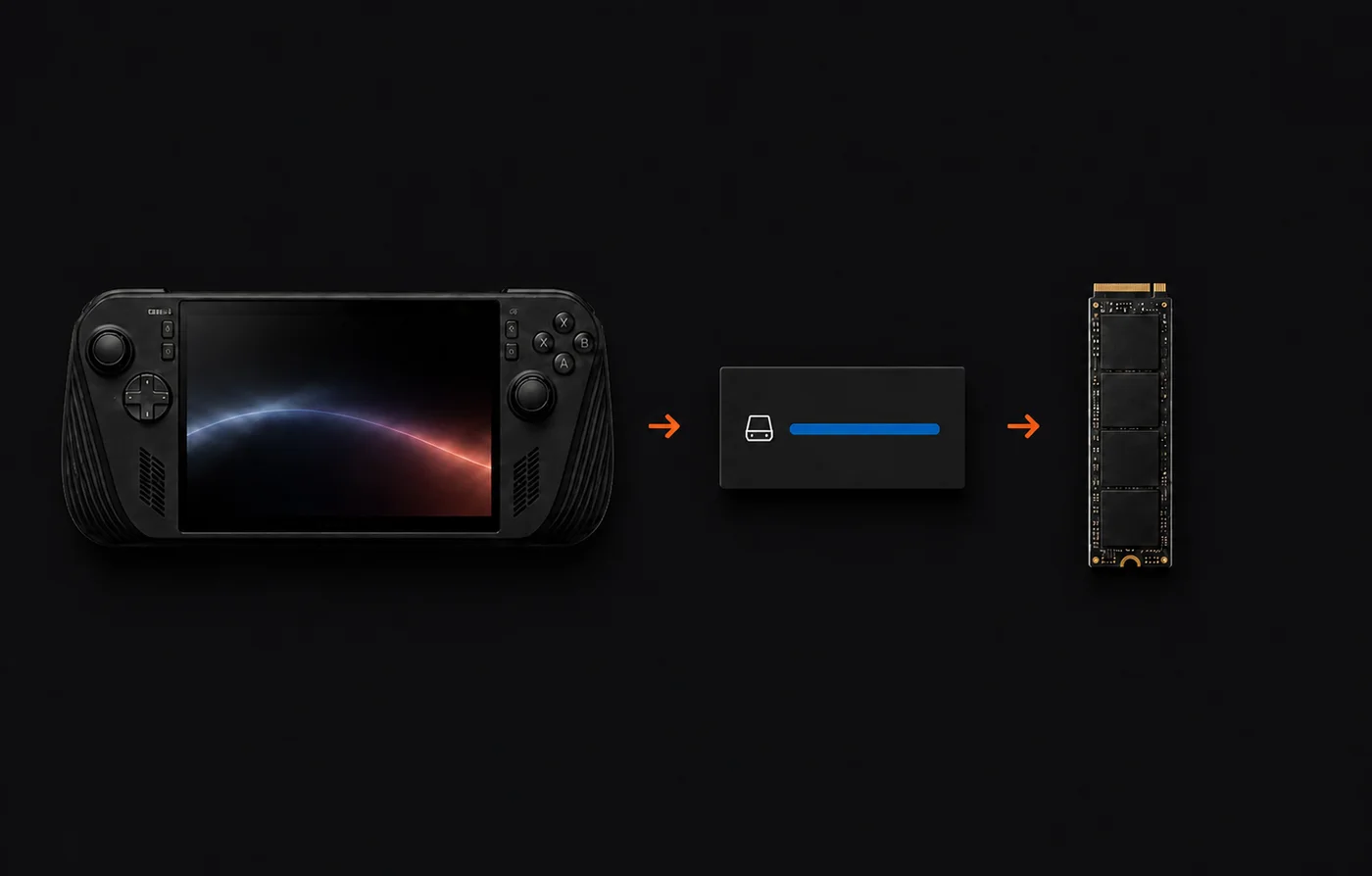
Model → free space → compatible SSD
Evidence before commerce
The original RC71L uses M.2 2230. Ally X and current Xbox Ally models use M.2 2280. We do not present a 2280 adapter mod as the default original-Ally path.
The selected games are compared with the free-space number you enter. Selecting a game here does not install it or reserve space on your Ally.
Replacing the internal SSD means cloning the old drive or restoring Windows. If the capacity gain is not worth that work, the result can remain cleanup or removable storage.
Calculation boundary. PC game figures are publisher-listed available-space requirements for planning, not scans of the files currently on your device. Current install size can change with updates and optional content.